01
The problem
Recording a video means memorizing lines or reading off cue cards — either way you lose eye contact, retake endlessly, and sound stiff.
Productivity
A teleprompter app for video — your script scrolls right on the camera screen, so you read your lines, keep natural eye contact and finish in fewer takes.
01
Recording a video means memorizing lines or reading off cue cards — either way you lose eye contact, retake endlessly, and sound stiff.
02
CueScript puts your script right on the camera screen and scrolls it over the camera preview, close to the lens, so your eyes stay on the viewer while you record video and audio in one tap. Import scripts from PDF or DOCX, tune scroll speed in words per minute, and manage unlimited scripts with word count and estimated read time.
Built the teleprompter over the camera preview: the script scrolls close to the lens so eye contact stays natural; record video and audio in one tap with the front or rear camera, in portrait or landscape, with adjustable overlay opacity to see your face and your words at the same time.
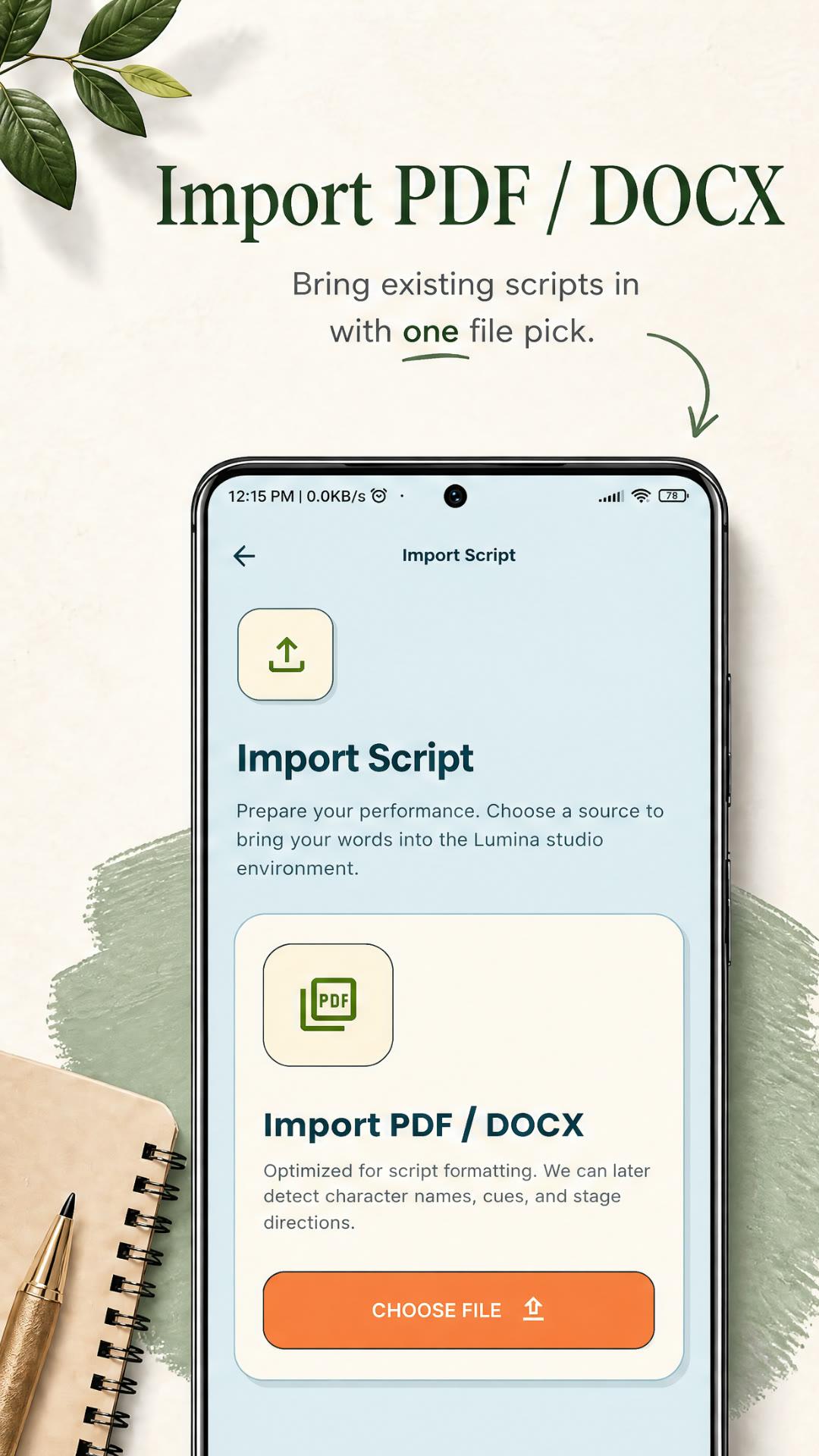
Added one-tap script import from PDF and Word (DOCX) files, plus paste from notes, docs, email or AI writing tools, and a built-in editor to write and edit scripts before tapping Start.
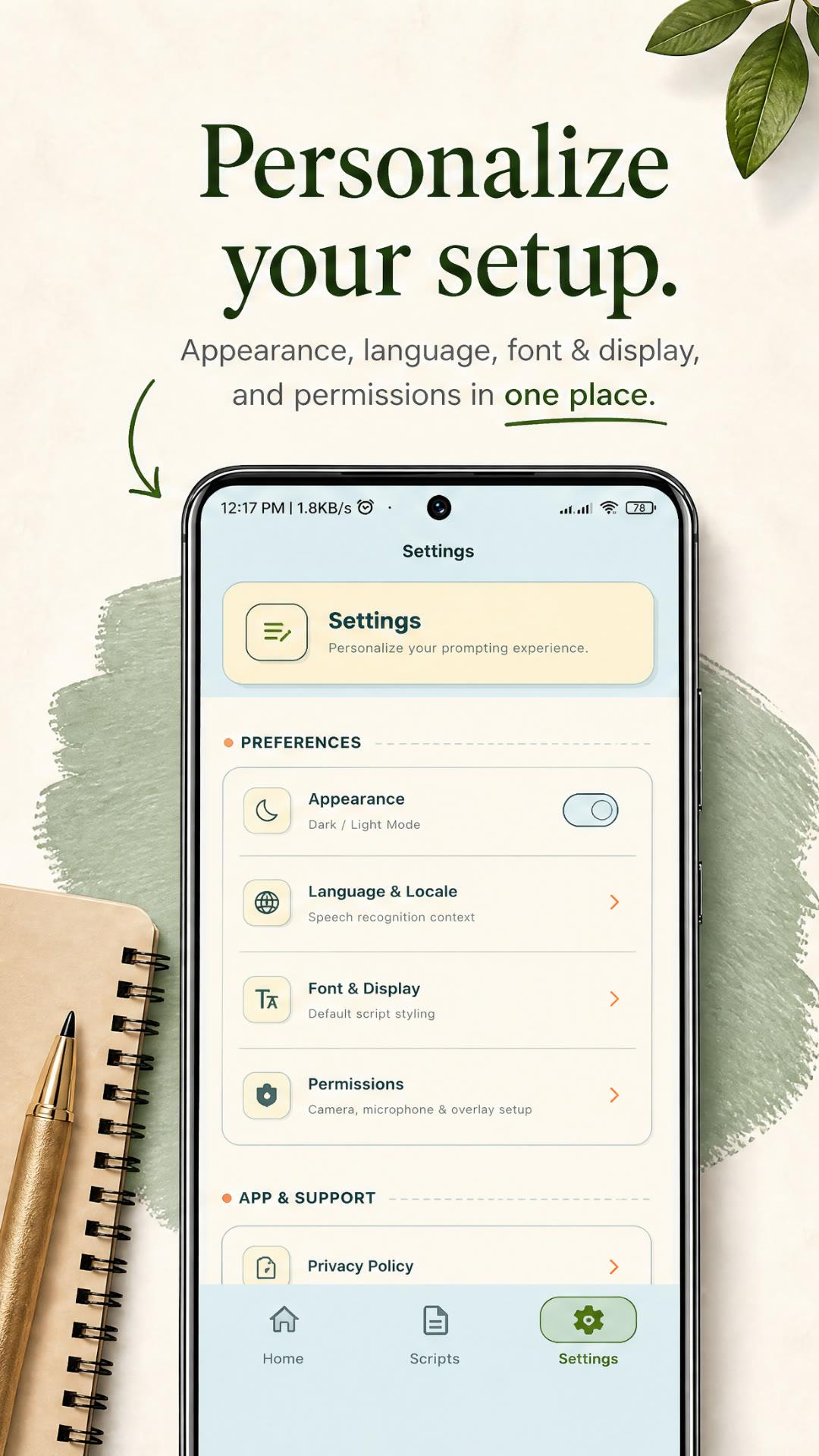
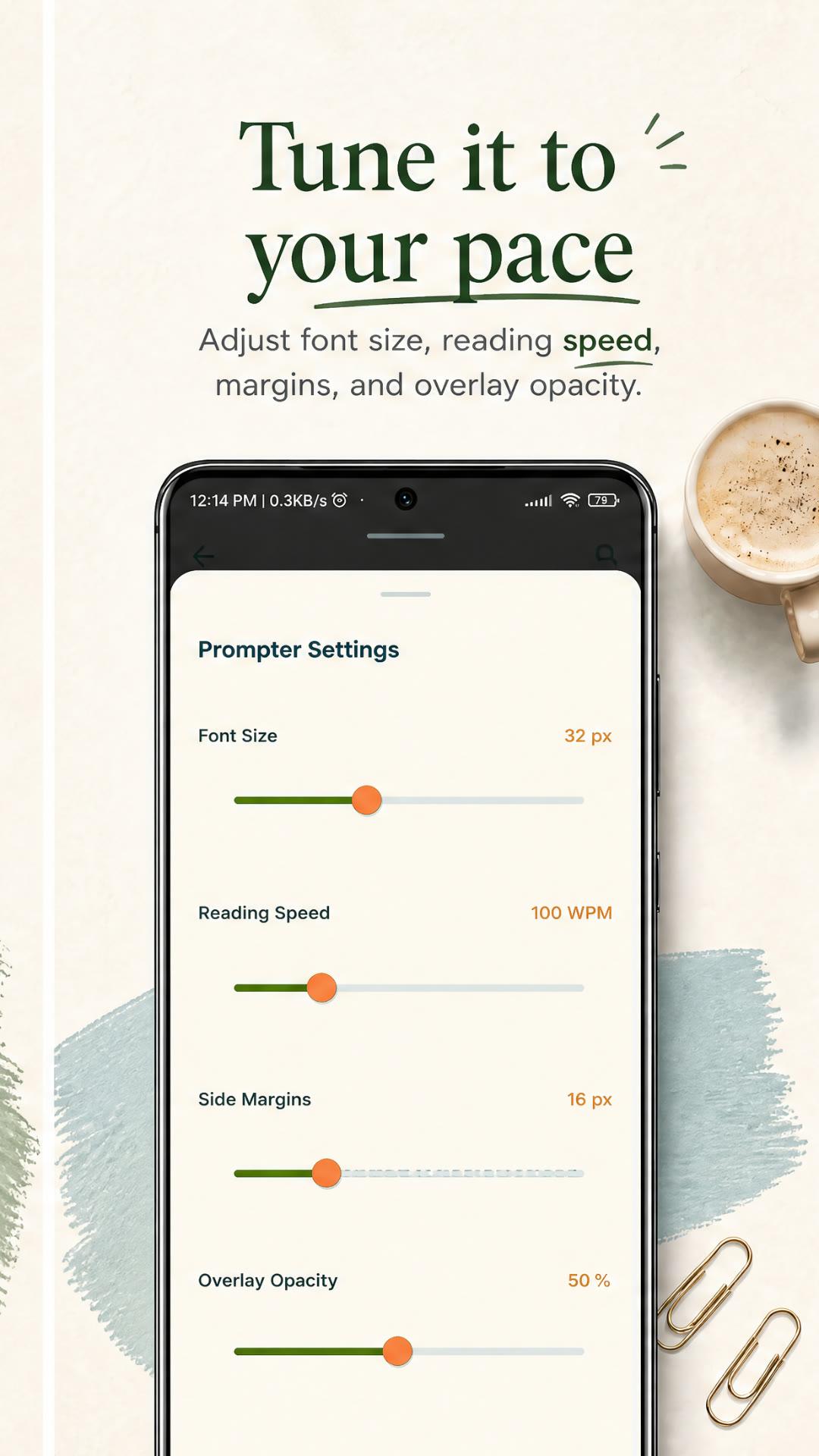
Made the prompter tunable to any speaking pace: scroll speed in words per minute, font size, side margins and text overlay opacity, with smooth lag-free scrolling, play, pause and restart, and dark and light modes for any recording setup.
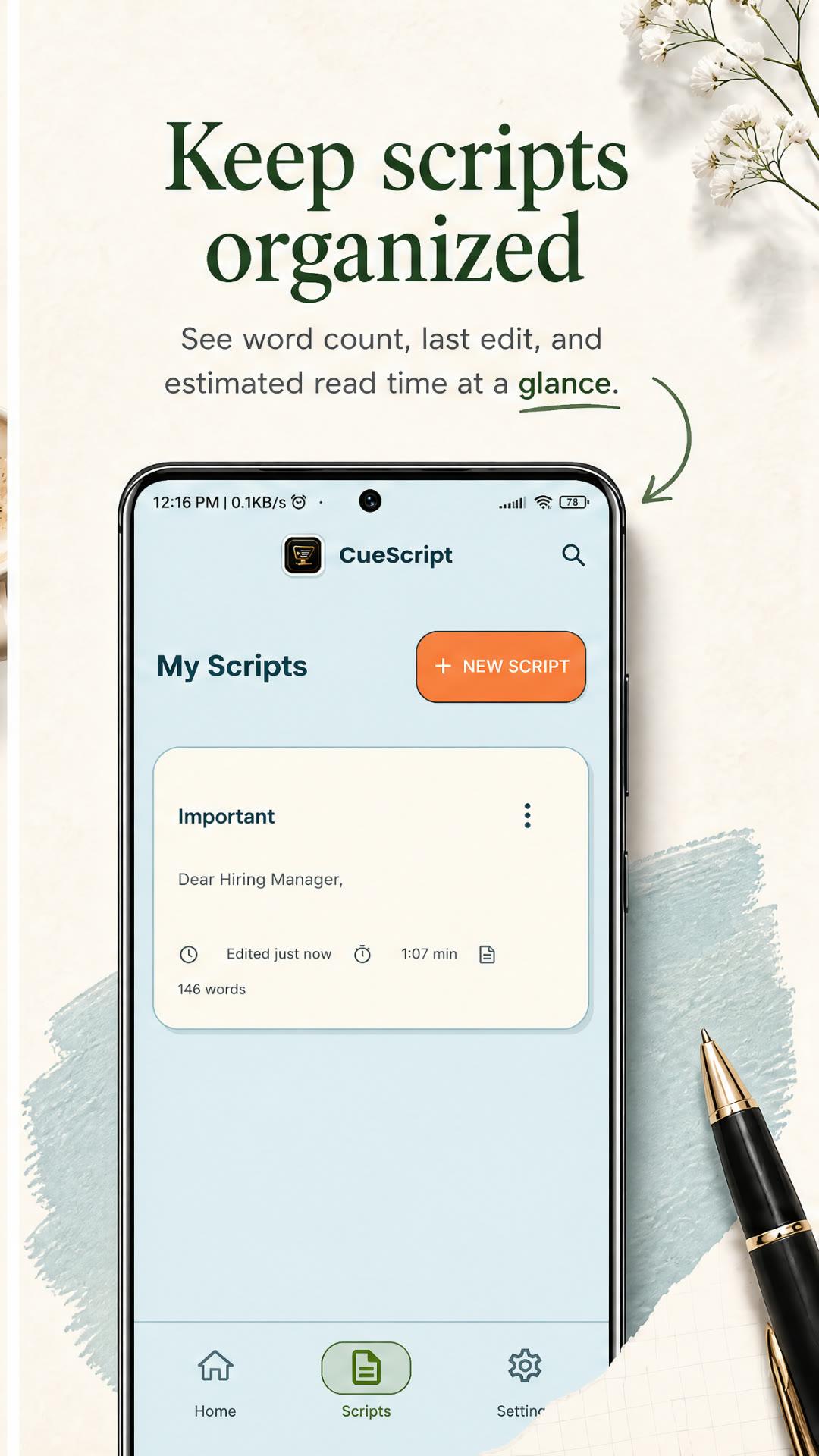
Built the script manager: save unlimited scripts, find them fast with search, and see word count, last edit and estimated read time for every script — so you know how long your video will be before you press record.
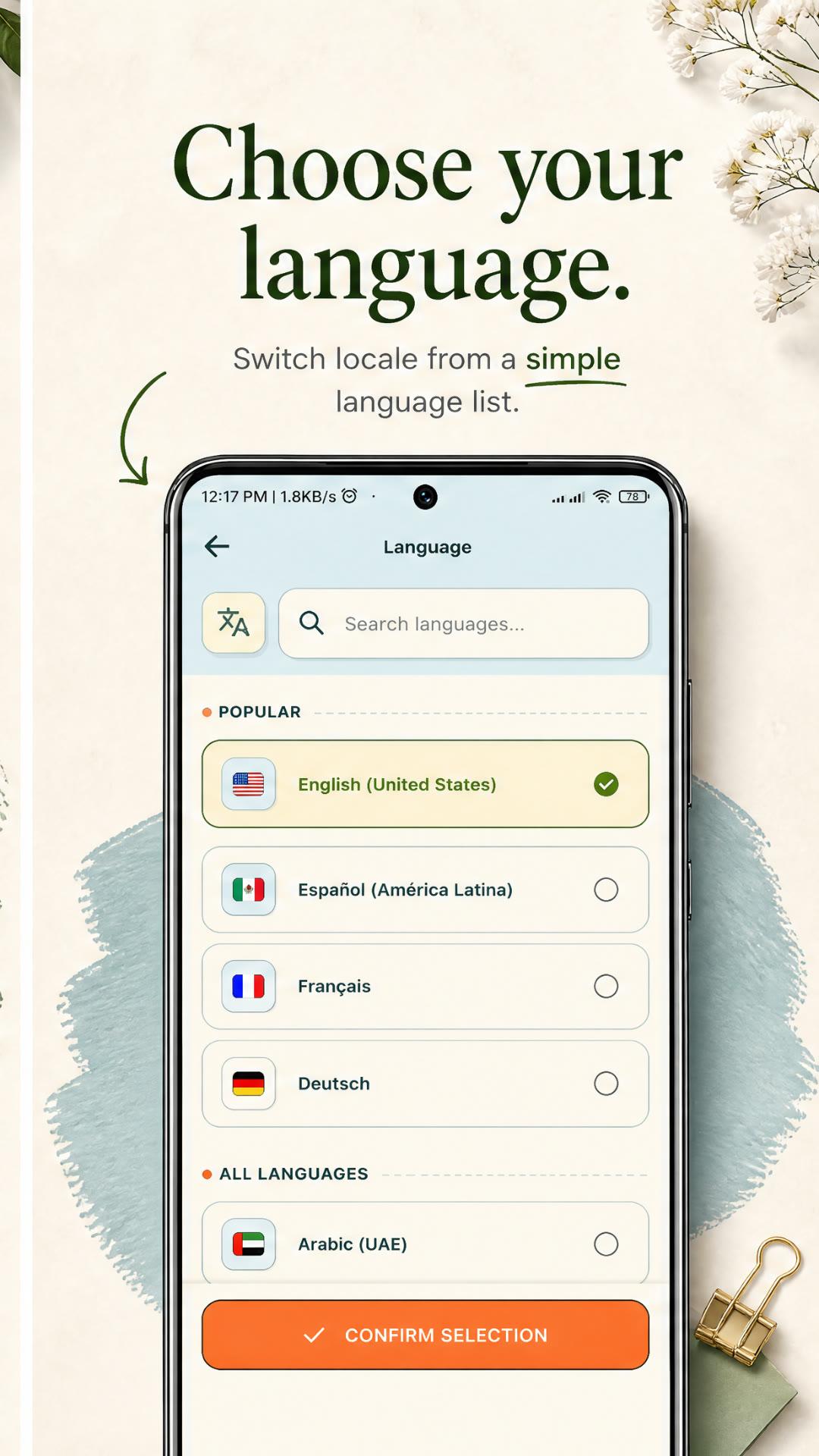
Designed it for real speakers: rehearse speeches, talks and toasts at your own speed; replace paper notes and cue cards with a clean digital prompter; practice public speaking, sermons, lectures and news reading; keep talking points in front of you for virtual meetings and live sessions. Multi-language: English, Español, Français, Deutsch, Arabic and more.
Frontend
Backend
Other
Need a similar result?
Let's discuss how we can turn your product requirements into a production-grade iOS & Android app.